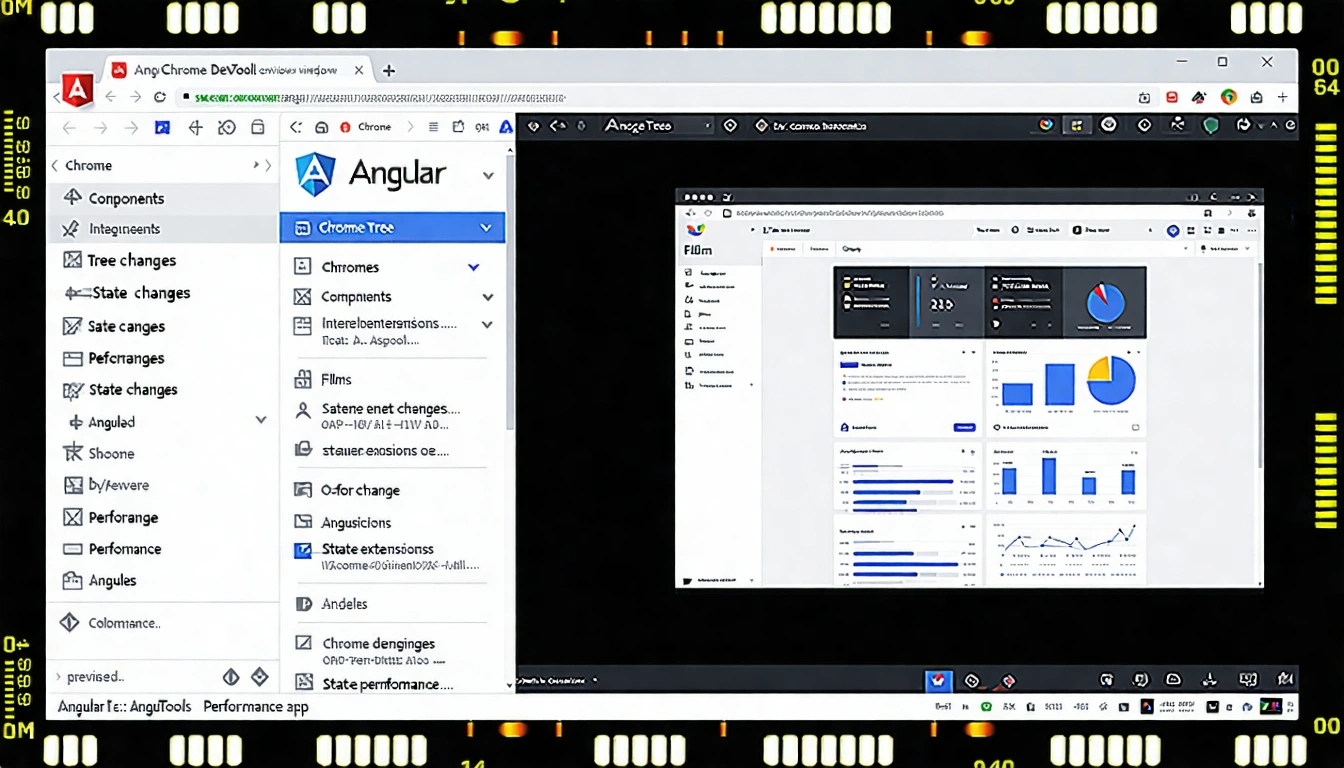
Hi Today I am going to share some of the most useful Chrome extension tools used for developing and debugging Angular apps Here are the list of all Chrome extensions
1 Augury
Augury is an application inspection tool for Angular that runs in the Web browser It runs as a Chrome browser extension for the Developer Tools DevTools panel aiding in analysis and debugging during development
Overview of Augury
Augury provides insight into the application structure for an Angular application and the relationship between these building blocks
- Components
- Services
- Routes
- Modules
- Dependencies
- Injectors
- Data bindings
- Events
- Object properties
Augury compliments DevTools during a debugging session making it easy to modify state and emit events
Click the below link to install Augury
Install Augury
2 Redux DevTools Extension
Redux DevTools for debugging applications state changes
If you are using Redux to manage your application state there is a Chrome extension called Redux DevTools which lets us see all the actions dispatched state of the application after each action and the difference in states
It also gives us the ability to rewind the actions and see the corresponding changes on the page
Redux DevTools needs a bit of setup to be used in Dev environments but once setup it is well worth the effort It is recommended that the full featured version be used for development and the restricted one for production
Click the below link to install this extension
Redux DevTools
3 Angular state inspector
Helps you debug Angular component state inside the Elements tab of the DevTools
A Chrome extension that lets you inspect the state of components The extension works even with the hybrid application with UpgradeModule So it can show state from Angular 2 plus and scope from AngularJs
Click the below link to install this chrome extension
Angular State Inspector
4 AngularJS Inspect Watchers
Inspect the scope watchers of an Angular app
A Chrome extension that lets the user inspect the number of Angular watchers that exist on any element of an Angular app Once installed navigate to your Angular app and click the Page Action in the address bar to activate the extension Then hover your mouse over different sections of your Angular application to see the scopes and watchers highlighted in red Click the Page Action again to deactivate
Click the below link to install this chrome extension
AngularJS Inspect Watchers
5 Angular watchers
Angular watchers is the ultimate AngularJS tool which tells you how many active watchers you currently have It automatically updates so you can see live how many watcher a page have This is perfect to debug any performance issues
Features
- Total number of watcher on the current page
- Difference from the last total number of watchers
- Visual graph that plots the number of watchers in time max 25 plots
- Choose Iframe where you want to count the watchers
- Expose Angular Modules in a global variable windowam
- GraphCounter view toggle
- DarkLight theme toggle
- Bootstrapped element input in case your app is manually bootstrapped
Click the below link to install this chrome extension
Angular watchers
6 Angular BatScanner
Yet another Angular 2 devtool Angular BatScanner is focus on performance analysis Like debugging the performance bottleneck is hard A tool to visualize what is happening for Angular when your application is running It is similar to a Timeline Tool but using the Angular Component vocabulary By hooking into the components life cycle system you can quickly explore a record to answer when where and why a change happened how often it is changed and how much time a components took to react to it
Click the below link to install this chrome extension
Angular BatScanner
7 ng inspect for AngularJS
Helps you in debugging AngularJS applications Extends the elements panel in devtools to display scope properties
ng inspect helps you access properties of the elements scope when an element is selected using the Element Inspector or the Elements tab in the Developer Toolbar in an Angular JS aplication
This extension will provide access to scope isolateScope if the scope is isolated rootScope jQuery element and its events if jQuery is included in the page
These properties are made available to the Global Window object via s for scope is for isolateScope rs for rootScope el for jQuery element and events for the events associated with the jQuery element
Services Factories Constants can be tested or verified using get function
count function prints number of Scopes isolateScopes listeners and watchers
Click the below link to install this chrome extension
ng inspect for AngularJS
8 AngularJS Inspector
Extends the Developer Tools adding tools for debugging and profiling AngularJS applications Based on AngularJS Batarang
This extension is based on AngularJS Batarang which had not been updated for a long time For that reason it aims to provide AngularJS programmers with a tool that will address the issues that currently exist and work towards making this even better
Click the below link to install this chrome extension
AngularJS Inspector
9 Angular Gauntlets
Angular Gauntlets helps you getting your hands dirty This chrome extension makes the components and providers of your Angular application accessible on click on an element in the Chrome DevTools elements panel
How to use
Gauntlets is light based on ngprobe loads instantly and does not need to switch to another tab of the Chrome DevTools
Just click on a DOM element in the DevTools elements panel type one of the following keywords in the console and here we go
- component click on a DOM element referring to an Angular component to access its instance and playing with it
- context display a DOM element context can be its parent Angular component a ngFor row and so on
- scope equals component onto Angular components or context onto child elements
- providers get the list of the all the providers instantiated in your Angular app and play with them
- detectChanges triggers Angular change detection to get your changes apply
You can get a preview of all this info in the Angular tab of your DevTools elements panel Switching between elements will refresh the data immediately
Click the below link to install this chrome extension
Angular Gauntlets
10 ng detector
Detects AngularJS apps as you browse
Adds a small AngularJS icon into the address bar when you come across a page that is built using AngularJS
Mouse over the icon to see the Angular version info
Click the below link to install this chrome extension
ng detector
I found one useful post related to debugging your angular app Here is the link
Chrome Extensions for Angular Apps
Further Reading
Update Angular 7 to Angular 8
Angular Best Practices For Building Single Page Application
Stop Using ElementRef For DOM Manipulation In Angular